# Join your Telegram group on the subscription bot web portal

> Join your Telegram group from a subscription bot web portal. On Discord, a linked account gets the role automatically.

Source: https://docs.botsubscription.com/web-portal/join-telegram/

<div style={{position:'relative',paddingTop:'56.25%'}}><iframe src="https://iframe.mediadelivery.net/embed/393118/6160d362-fc26-4ff3-a755-8407f367e5f0?autoplay=false&loop=false&muted=false&preload=false&responsive=true" title="How to join your Telegram group from the BotSubscription web portal" loading="lazy" style={{border:0,position:'absolute',top:0,height:'100%',width:'100%'}} allow="accelerometer; gyroscope; autoplay; encrypted-media; picture-in-picture" allowFullScreen></iframe></div>

The group name on the button is the group for that membership. VIP Members Group is example data.

After you pay, the Telegram group or channel appears under **My Memberships**.

Join your group from the homepage of a <strong>Telegram</strong> <strong>subscription bot</strong> web portal.

## 1. Open Profile on the web portal

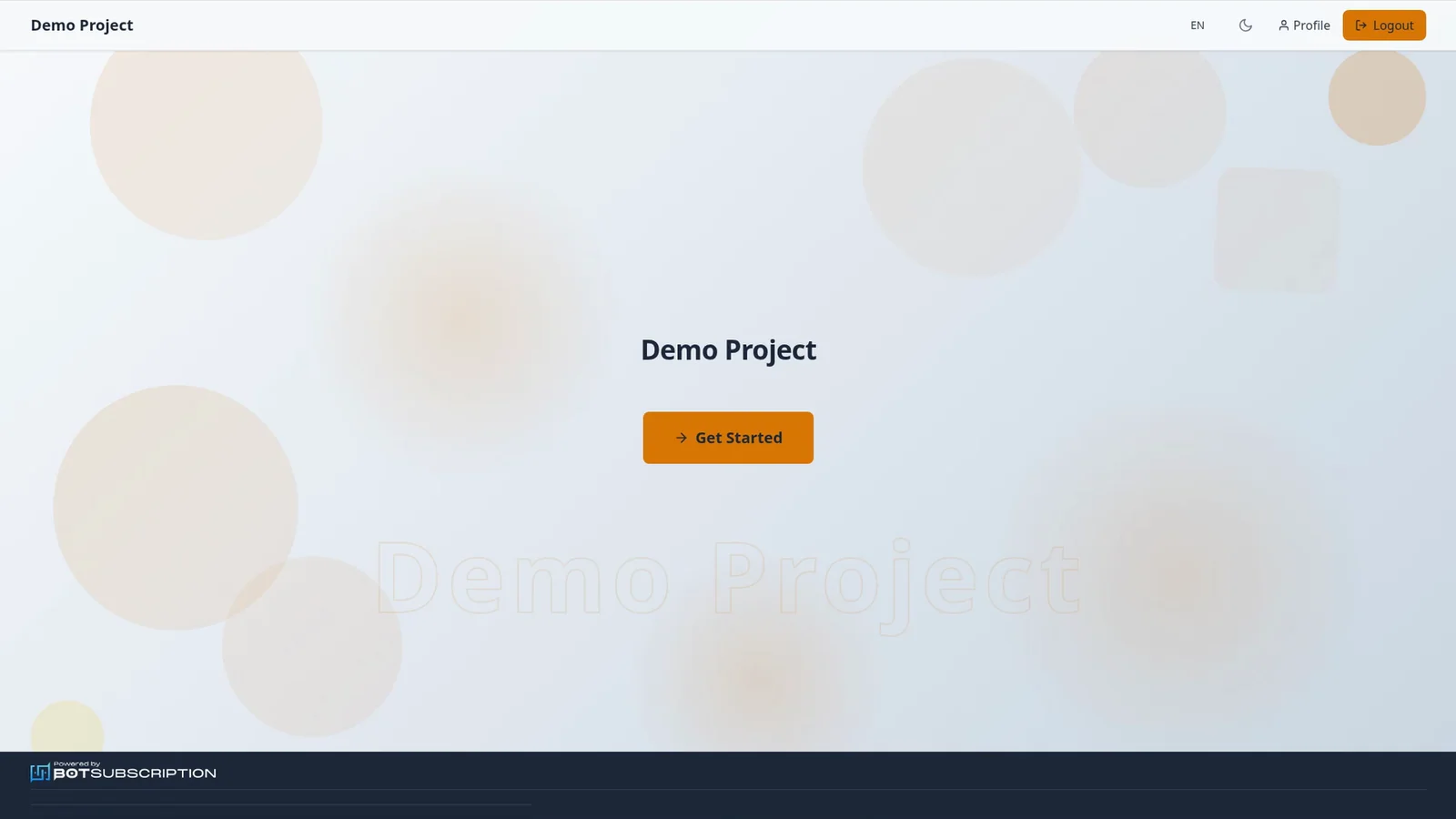
From the portal homepage, select **Profile** in the header.

<Frame caption="Demo Project homepage with Profile and Get Started">
  <img
    src="/img/web-portal/join-telegram/home.webp"
    alt="Web portal homepage for Demo Project, with the Profile button in the header and a Get Started button"
    title="Homepage of the Telegram subscription bot web portal"
  />
</Frame>

## 2. Open My Memberships

Open **My Memberships** to find the membership for your group.

## 3. Join your Telegram group

On the membership, select the **Join** button that includes the group name. **Join** gives you a personal request-to-join link that lasts up to 24 hours and never past your membership end date. If it expires, press **Join** again to get a new one.
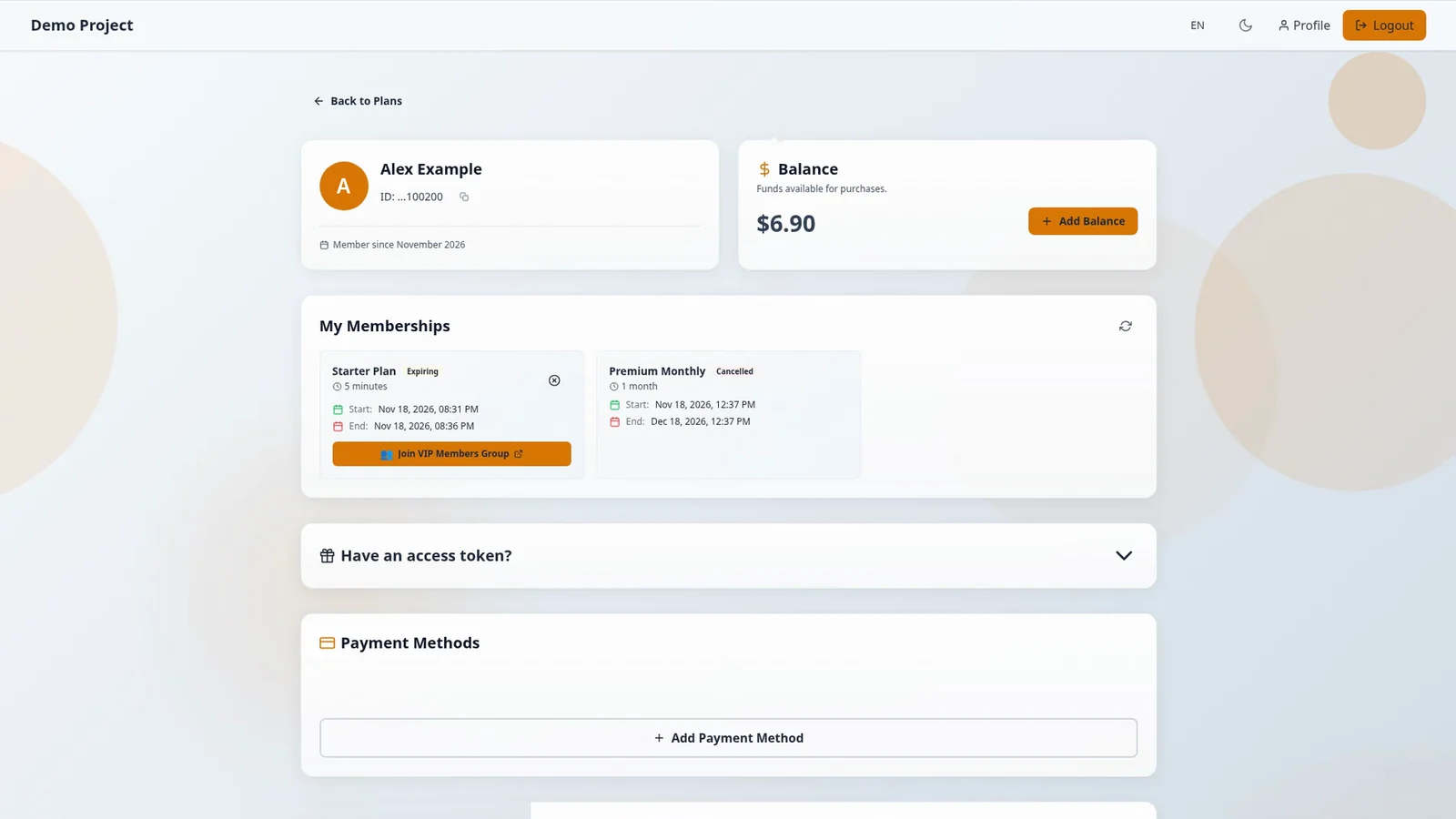
<Frame caption="Starter Plan membership with Join VIP Members Group">
  <img
    src="/img/web-portal/join-telegram/memberships.webp"
    alt="Web portal Profile showing a Starter Plan membership with a Join VIP Members Group button"
    title="Join a Telegram group from the subscription bot web portal"
  />
</Frame>

## 4. Open the Telegram invite page

Pressing **Join** opens Telegram's invite page in your browser, in a new tab. Open it in Telegram and join the group.
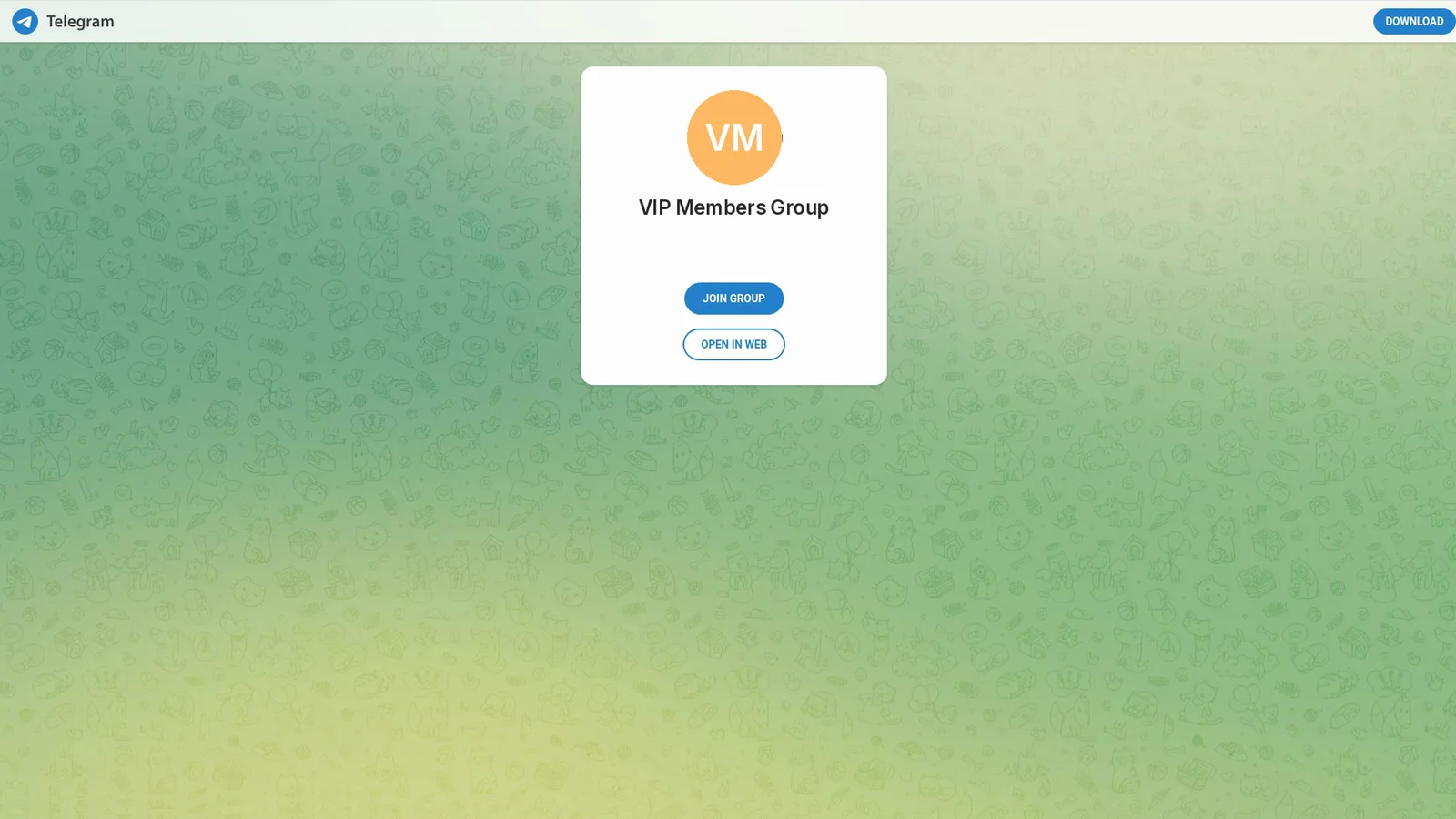
<Frame caption="Telegram invite page for the VIP Members Group">
  <img
    src="/img/web-portal/join-telegram/telegram-invite.webp"
    alt="Telegram invite page for the VIP Members Group, with Join Group and Open in Web buttons"
    title="Telegram group invite from the subscription bot web portal"
  />
</Frame>

<Note>
On <strong>Discord</strong>, your role is assigned automatically if your portal account is linked to Discord. If you're already in the server, you get the role when the membership activates. Otherwise **Join** gives you a server invite, and the role is applied when you join.
</Note>

## Related guides

- [Buy a subscription plan on the web portal](https://docs.botsubscription.com/web-portal/buy-a-plan/)
- [Pay for a plan with your balance](https://docs.botsubscription.com/web-portal/pay-with-balance/)
- [Your Profile at a glance](https://docs.botsubscription.com/web-portal/profile/)
- [Web Portal overview](https://docs.botsubscription.com/web-portal/)
