# Change the language and dark mode on the subscription bot web portal

> Change the language and dark mode on a Telegram subscription bot or Discord payment bot web portal.

Source: https://docs.botsubscription.com/web-portal/language-and-theme/

<div style={{position:'relative',paddingTop:'56.25%'}}><iframe src="https://iframe.mediadelivery.net/embed/393118/13348ecf-ae36-4a01-9462-552ece3f3122?autoplay=false&loop=false&muted=false&preload=false&responsive=true" title="How to change the language and dark mode on the BotSubscription web portal" loading="lazy" style={{border:0,position:'absolute',top:0,height:'100%',width:'100%'}} allow="accelerometer; gyroscope; autoplay; encrypted-media; picture-in-picture" allowFullScreen></iframe></div>

Demo Project, the plan names, and the prices are demo data.

## Change the language

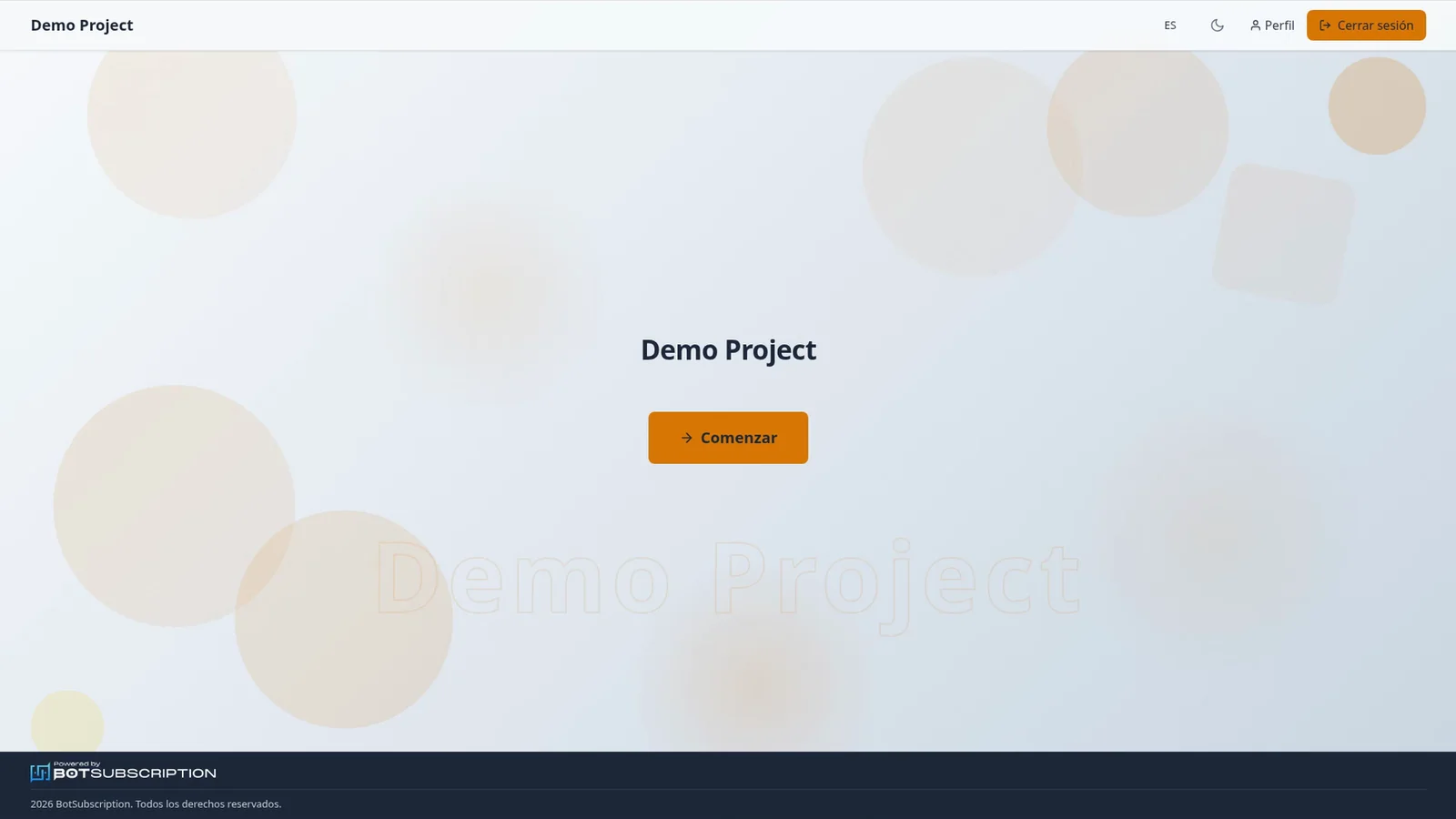
The language button in the header of a <strong>Telegram</strong> or <strong>Discord</strong> <strong>subscription bot</strong> web portal shows your current language code, for example EN.

<Frame caption="Demo Project homepage in English, with the EN button and the moon icon">
  <img
    src="/img/web-portal/language-and-theme/language-home.webp"
    alt="Web portal homepage for Demo Project in English and light mode, with the EN language button and the moon icon in the header"
    title="English homepage on the subscription bot web portal"
  />
</Frame>

Select it to open the scrollable list of 32 languages, which opens on your current language.
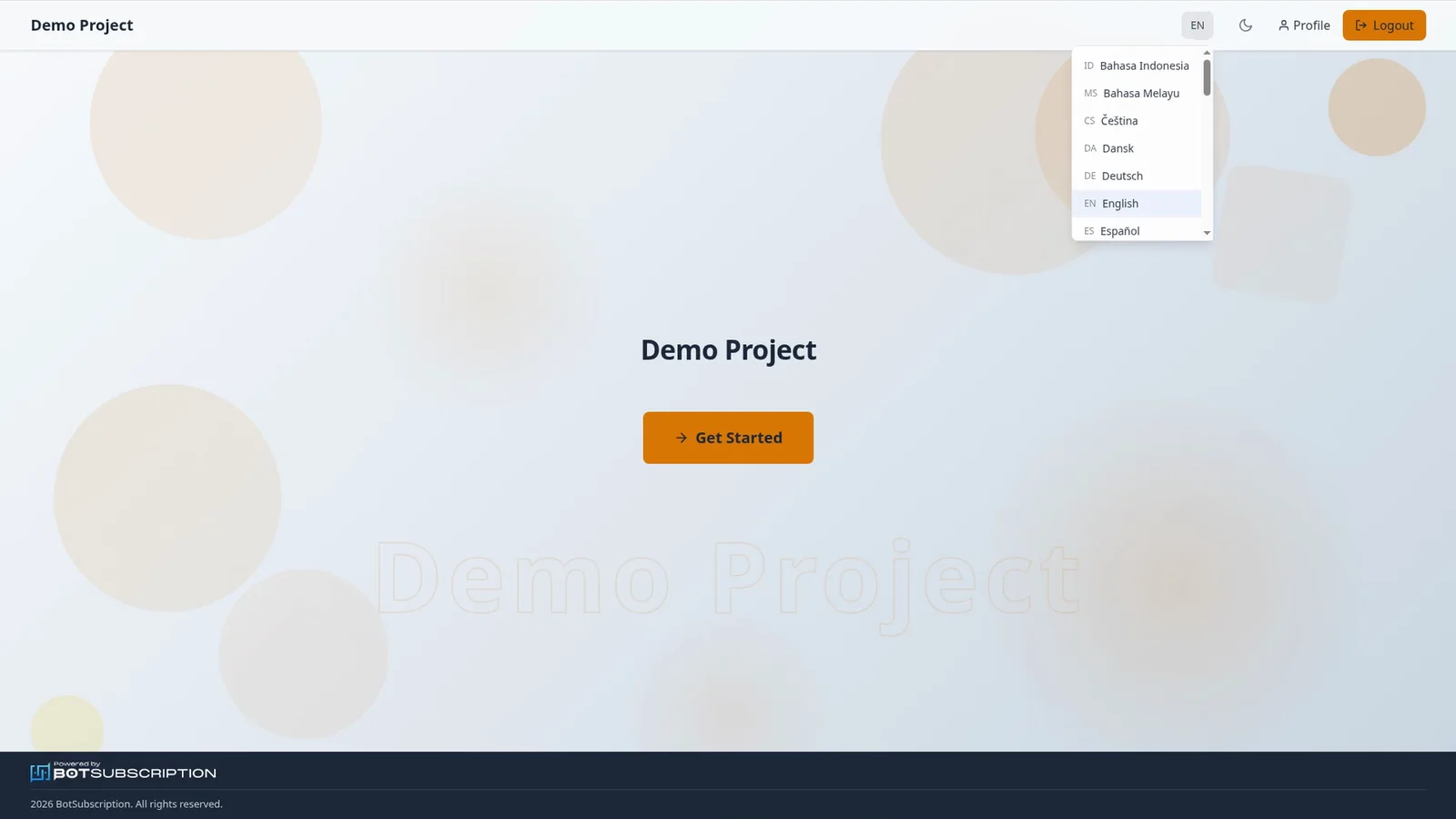
<Frame caption="Language menu open on the Demo Project homepage, with English selected">
  <img
    src="/img/web-portal/language-and-theme/language-list.webp"
    alt="Web portal language menu open on the Demo Project homepage, listing languages with English selected"
    title="Language menu on the subscription bot web portal"
  />
</Frame>

Pick a language, and the portal switches instantly, with no page reload.
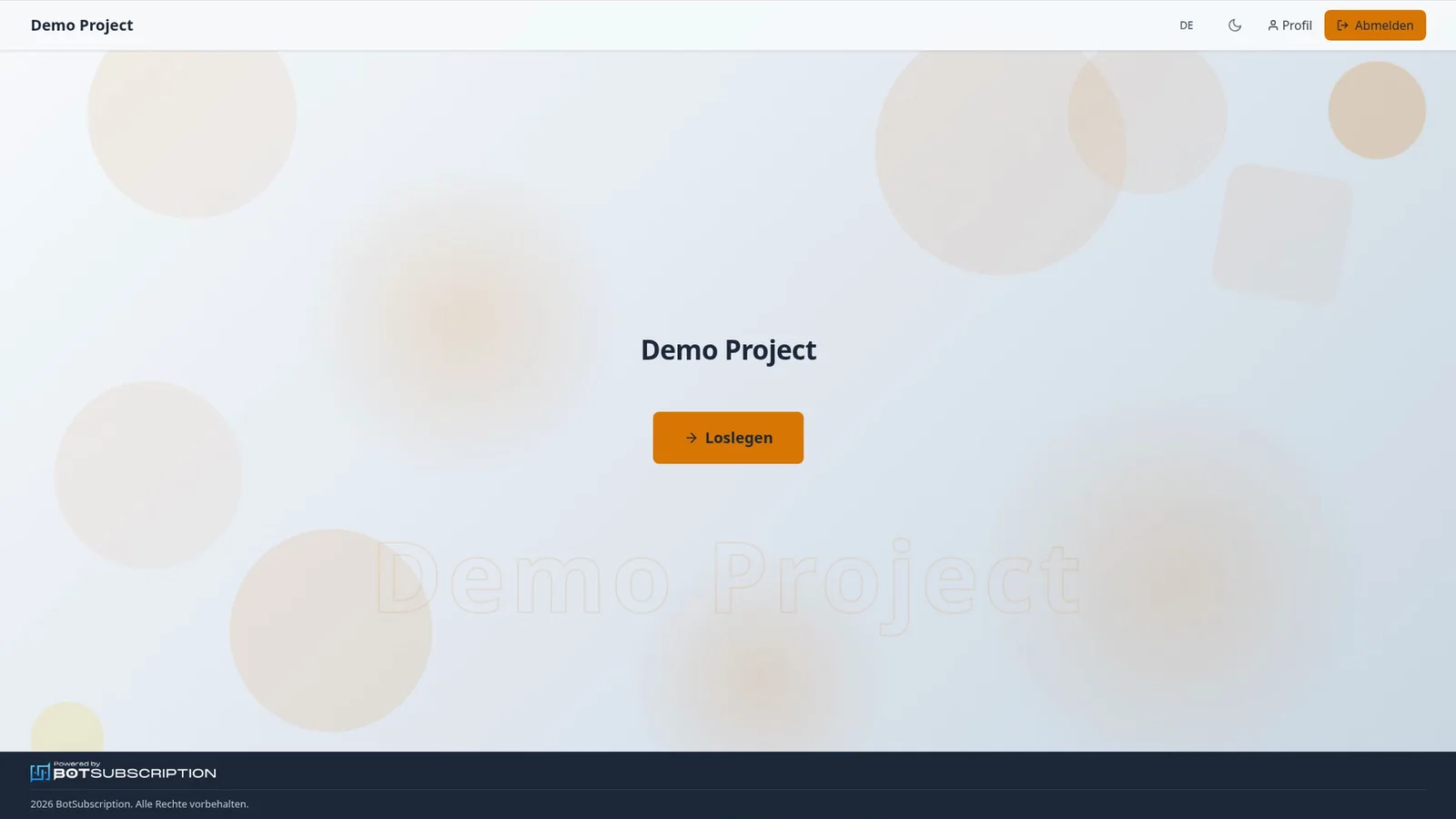
<Frame caption="Demo Project homepage in German, with DE, Profil, Abmelden, and Loslegen">
  <img
    src="/img/web-portal/language-and-theme/language-german.webp"
    alt="Web portal homepage in German, with DE, Profil and Abmelden in the header and a Loslegen button"
    title="German homepage on the subscription bot web portal"
  />
</Frame>

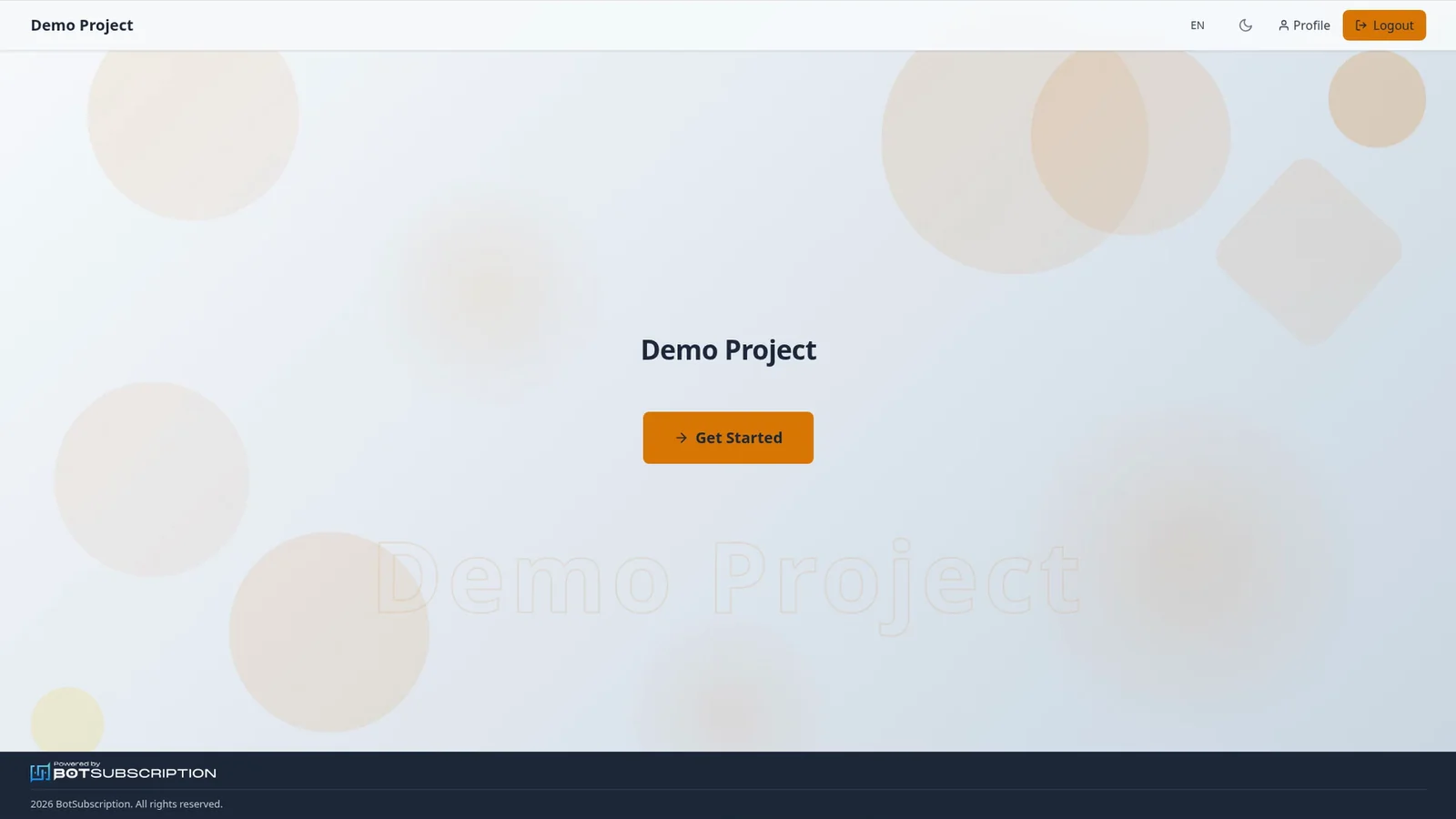
<Frame caption="Demo Project homepage in Spanish, with ES, Perfil, Cerrar sesión, and Comenzar">
  <img
    src="/img/web-portal/language-and-theme/language-spanish.webp"
    alt="Web portal homepage in Spanish, with ES, Perfil and Cerrar sesión in the header and a Comenzar button"
    title="Spanish homepage on the subscription bot web portal"
  />
</Frame>

## Turn on dark mode

The moon icon next to the language button switches to dark mode, and the sun icon switches back to light. Your choice stays as you move between pages.
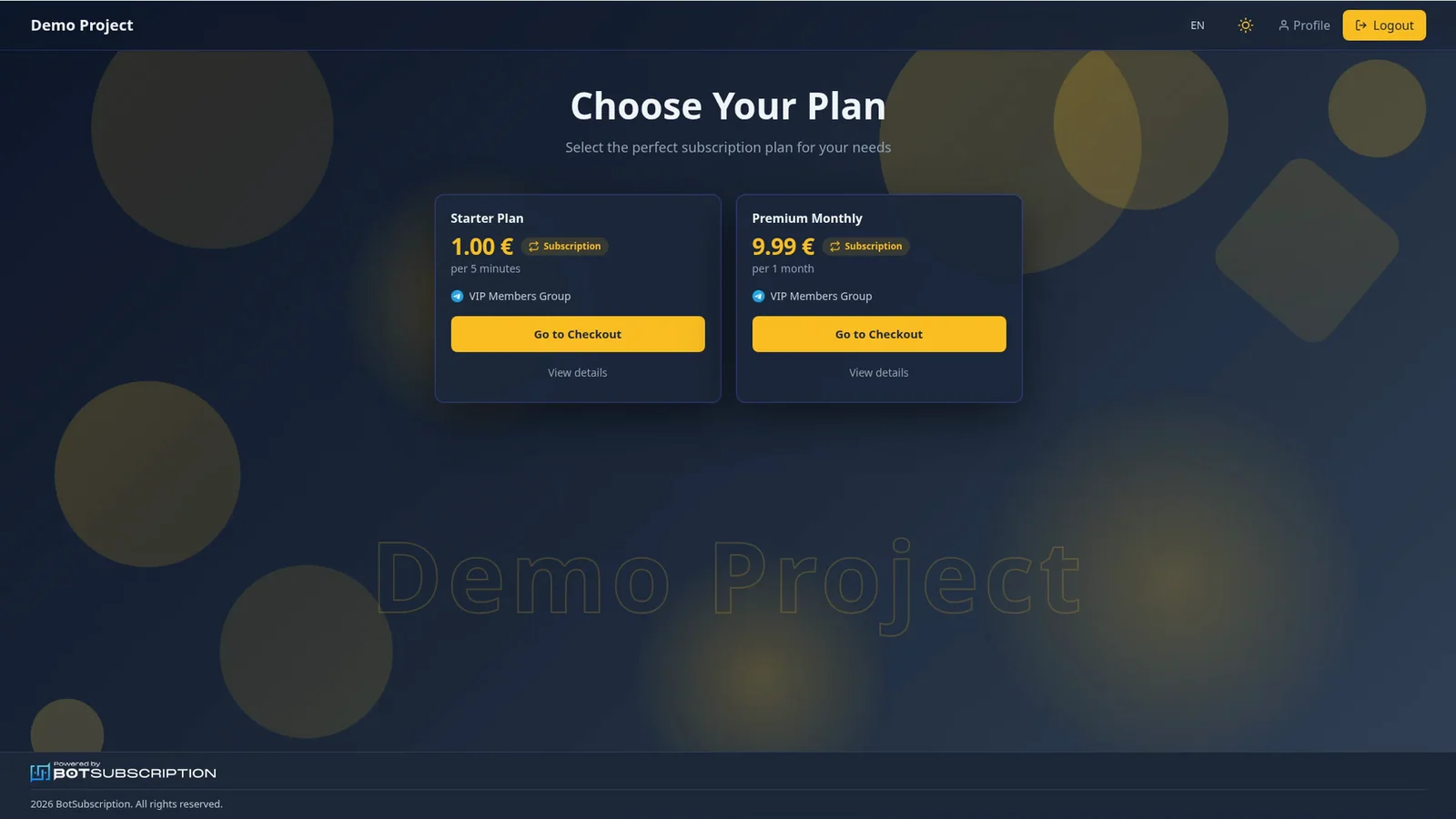
<Frame caption="Choose Your Plan in dark mode, with the sun icon in the header">
  <img
    src="/img/web-portal/language-and-theme/theme-dark-plans.webp"
    alt="Web portal plans page in dark mode for Demo Project, with Starter Plan at €1.00 and Premium Monthly at €9.99, and the sun icon in the header"
    title="Dark mode plans on the subscription bot web portal"
  />
</Frame>

## Related guides

- [Buy a subscription plan on the web portal](https://docs.botsubscription.com/web-portal/buy-a-plan/)
- [Top up your balance](https://docs.botsubscription.com/web-portal/balance/)
- [Your Profile at a glance](https://docs.botsubscription.com/web-portal/profile/)
- [Web Portal overview](https://docs.botsubscription.com/web-portal/)