# Pay with crypto on the subscription bot web portal
> Pay with crypto through NOWPayments on a Telegram subscription bot or Discord payment bot web portal.
Source: https://docs.botsubscription.com/web-portal/pay-with-crypto/
Payments and balance top-ups on a web portal go to the seller's own merchant account. That account is their Stripe, PayPal, NOWPayments, or another provider. The money does not go to BotSubscription, and the web portal is the seller's storefront. Payments to BotSubscription itself happen only at dash.botsubscription.com.
Premium 24-7, $34.99 and 0.0005599 BTC are demo values for this video.
Pay with crypto through NOWPayments on a Telegram subscription bot or Discord payment bot web portal.
## 1. Select Get Started
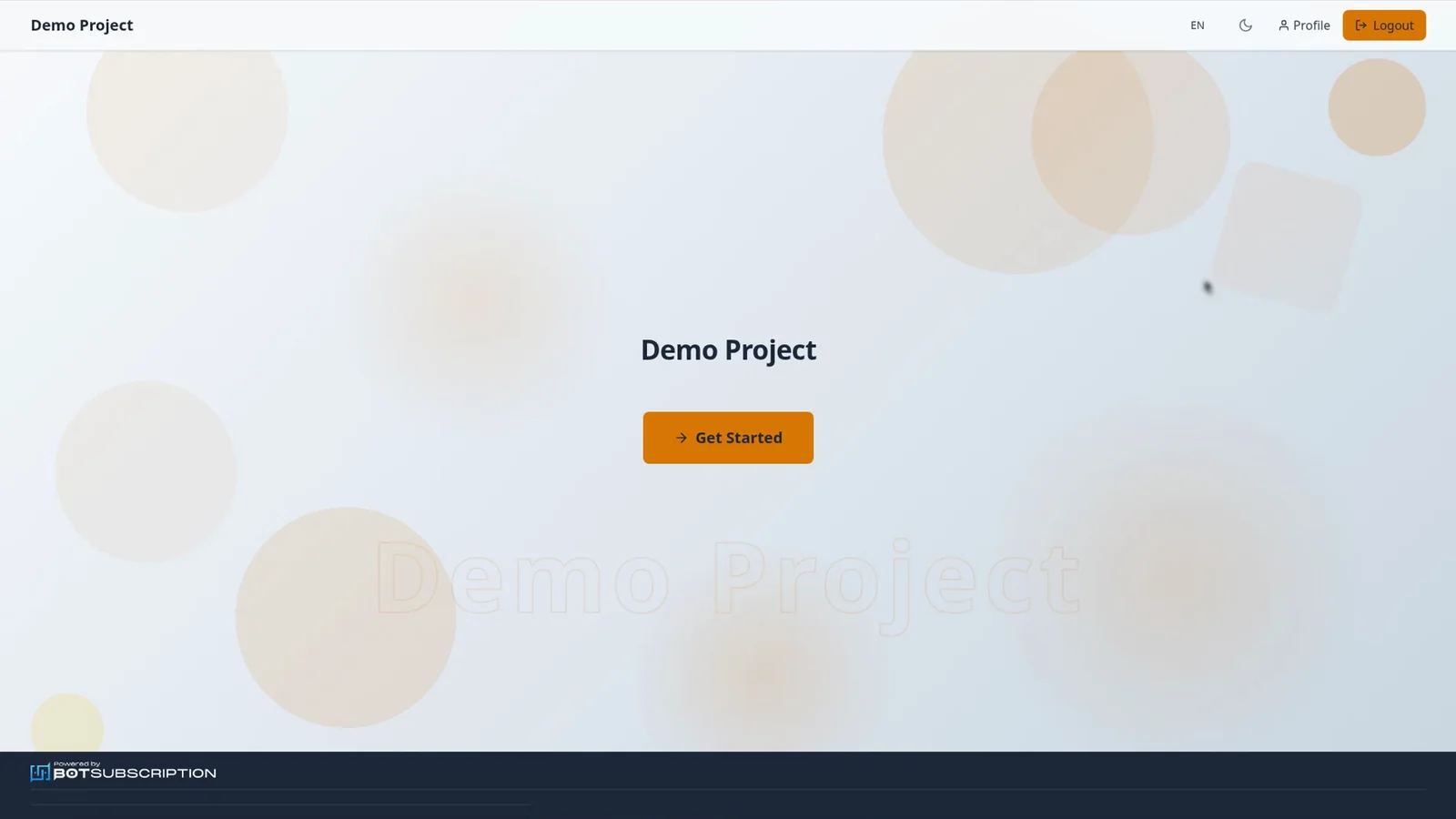
On the Demo Project homepage, select **Get Started**, and **Profile** stays in the header.
 ## 2. Choose a subscription plan
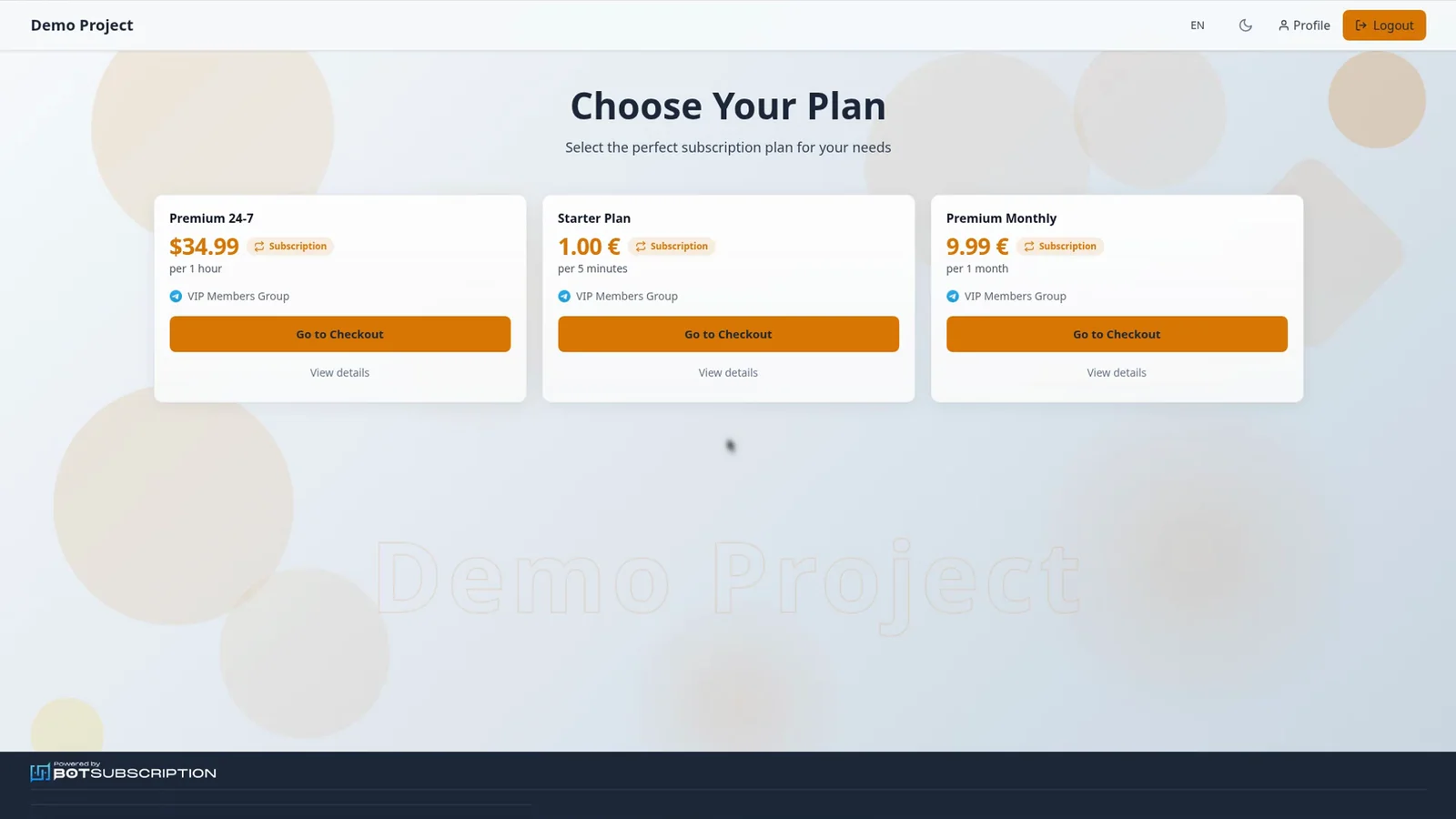
The page is titled **Choose Your Plan**. Choose **Premium 24-7**, which is $34.99 per hour and unlocks VIP Members Group, then select **Go to Checkout**.
 ## 3. Select NOWPayments at checkout
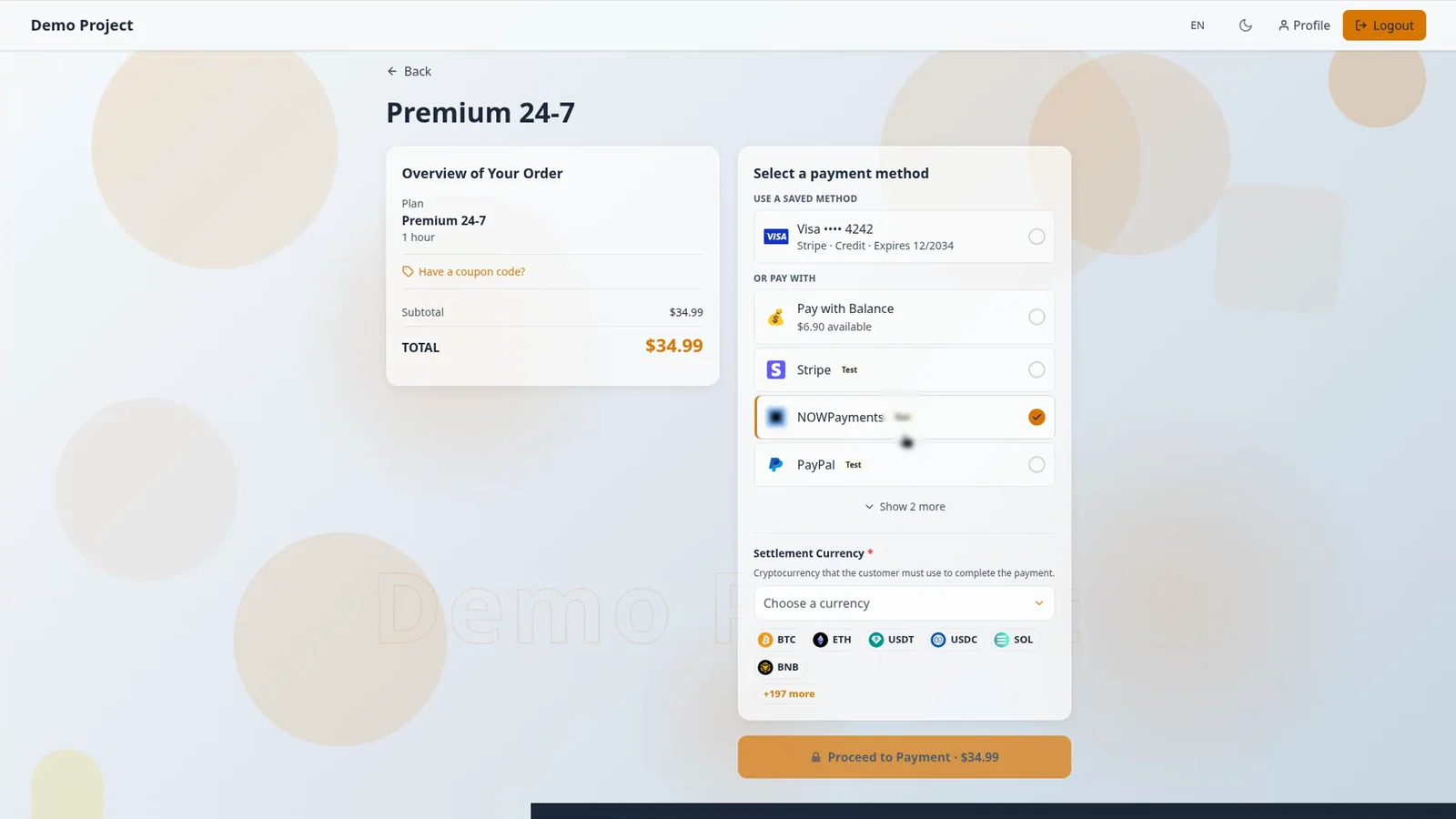
**Overview of Your Order** shows Premium 24-7 for 1 hour, and the total is $34.99. Select **NOWPayments**, pick a coin under **Settlement Currency**, then select **Proceed to Payment · $34.99**.
 ## 4. Send the exact crypto amount
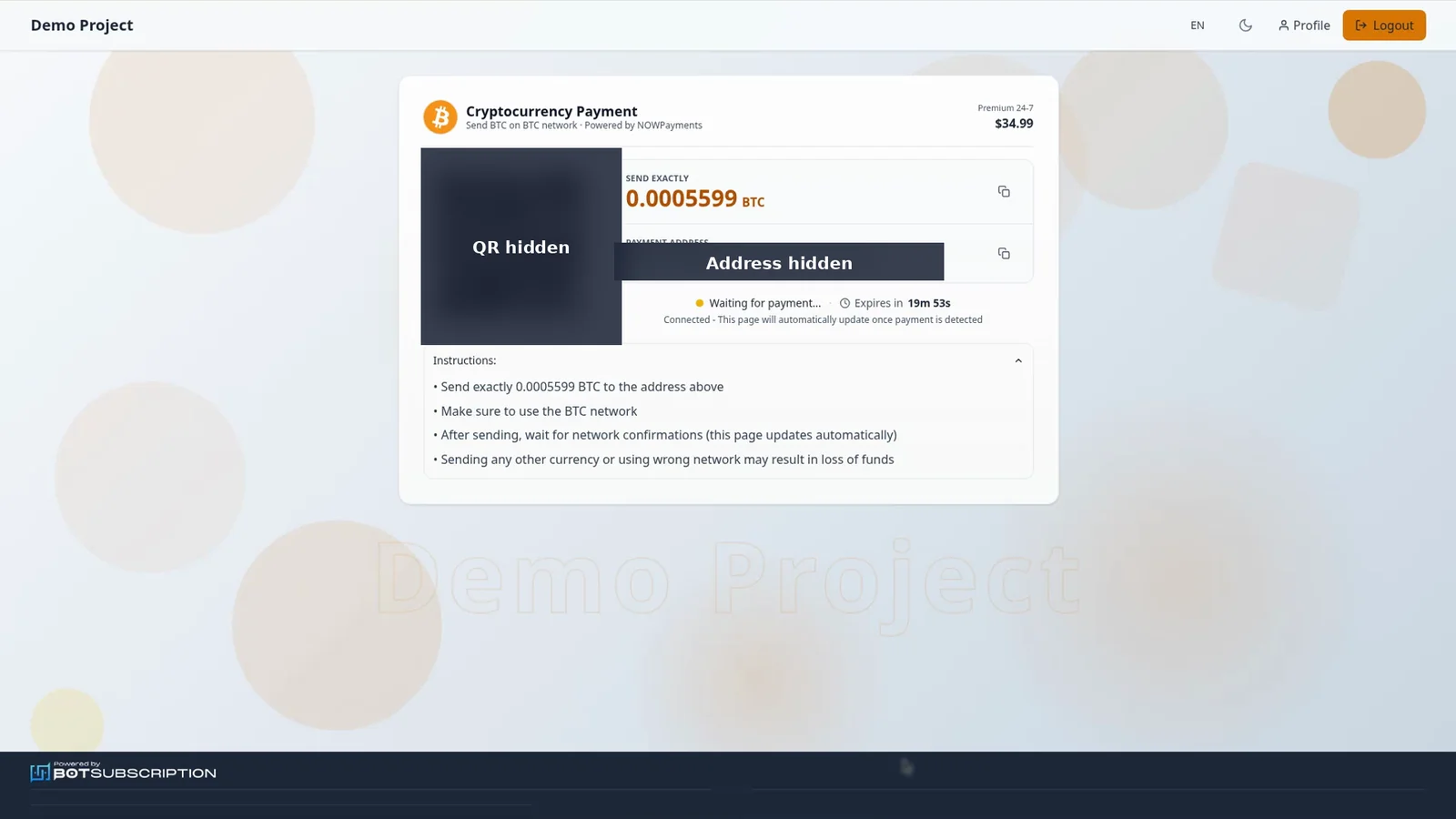
The portal shows the exact amount to send, with a payment address and a QR code. In this example the page is **Cryptocurrency Payment**, powered by NOWPayments, and it tells you to send exactly 0.0005599 BTC on the BTC network. The status stays on **Waiting for payment** until the payment is detected, and then the page updates automatically.
 ## 5. See Payment Successful
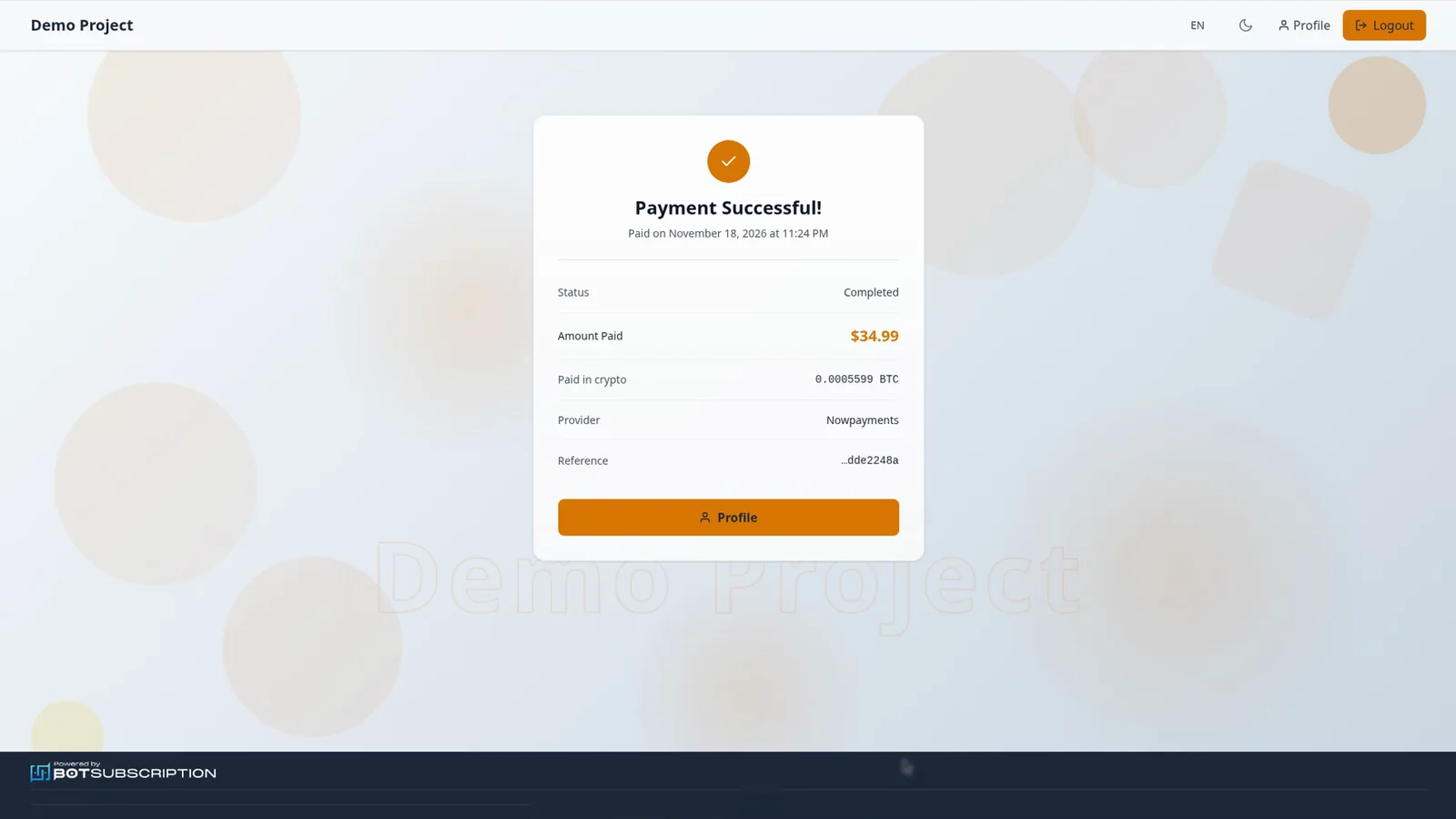
When it confirms, you see **Payment Successful!** and your membership is active. In this example the status is Completed, the amount paid is $34.99, and the amount paid in crypto is 0.0005599 BTC. The provider on that page is Nowpayments.
 ## Related guides
- [Buy a subscription plan on the web portal](https://docs.botsubscription.com/web-portal/buy-a-plan/)
- [Pay for a plan with your balance](https://docs.botsubscription.com/web-portal/pay-with-balance/)
- [Top up your balance](https://docs.botsubscription.com/web-portal/balance/)
- [Your Profile at a glance](https://docs.botsubscription.com/web-portal/profile/)
- [Web Portal overview](https://docs.botsubscription.com/web-portal/)