

Pay for a plan with your balance on the subscription bot web portal
Payments and balance top-ups on a web portal go to the seller's own merchant account. That account is their Stripe, PayPal, NOWPayments, or another provider. The money does not go to BotSubscription, and the web portal is the seller's storefront. Payments to BotSubscription itself happen only in the BotSubscription dashboard.
The €1.00 plan, the $1.10 debit, and the balance change from $8.00 to $6.90 are example amounts just for this video.
Pay for a plan with the balance on a Telegram or Discord subscription bot web portal.
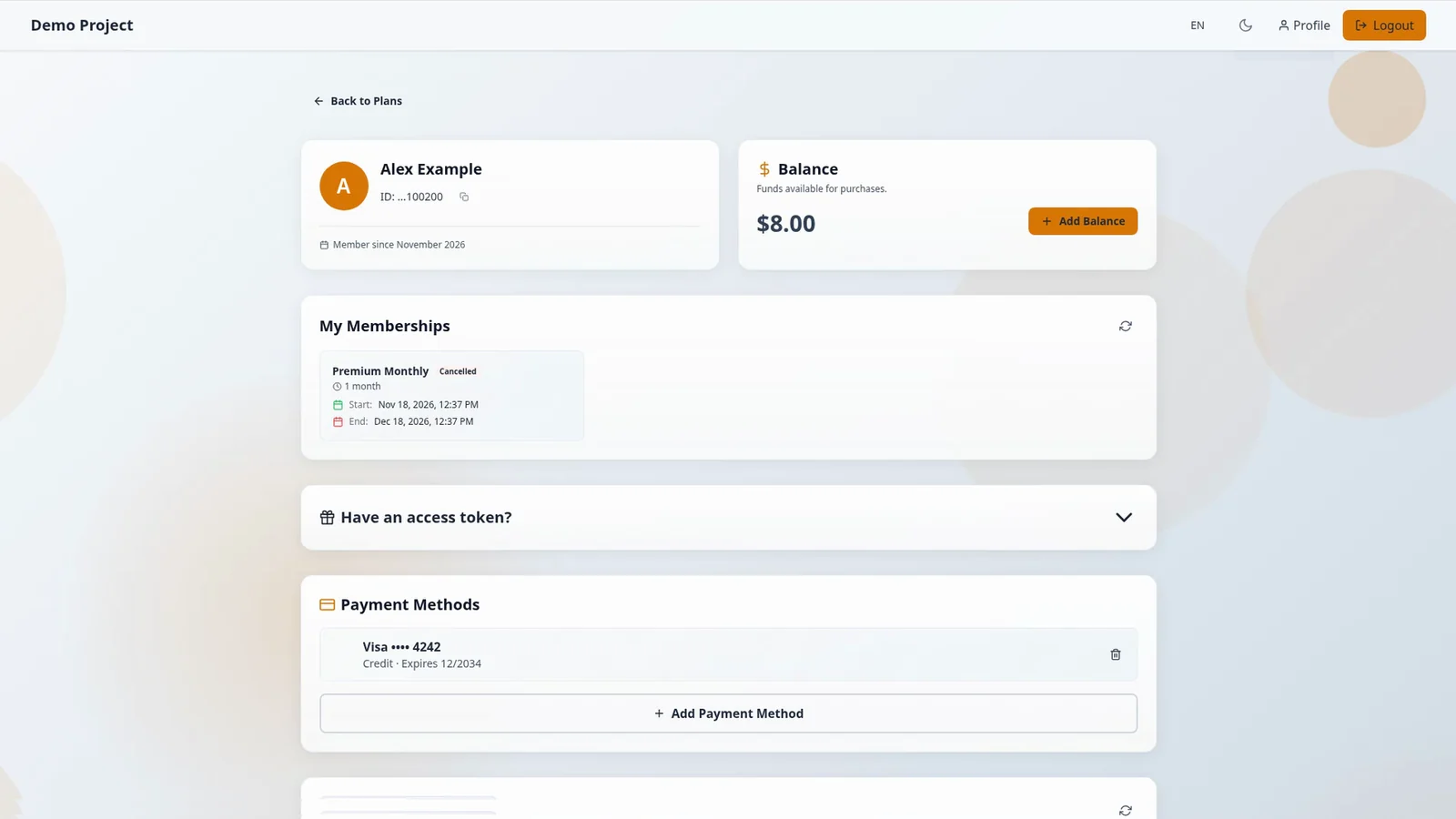
1. Check your balance in Profile
From the portal homepage, select Profile in the header to check your balance.
2. Go back to the homepage
From Profile, go back to the portal homepage.
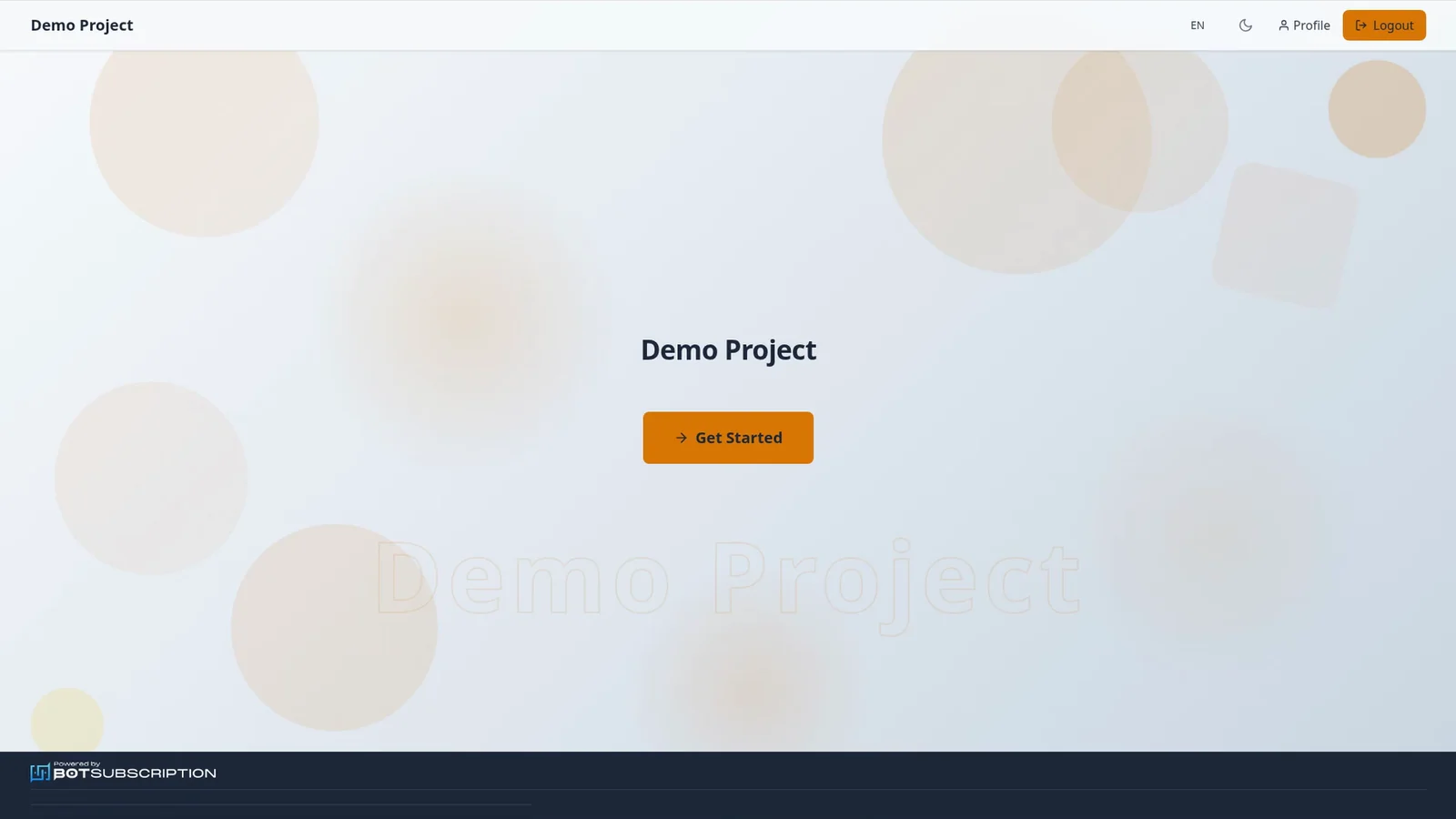
3. Select Get Started
On the homepage, select Get Started, and the plans page opens.
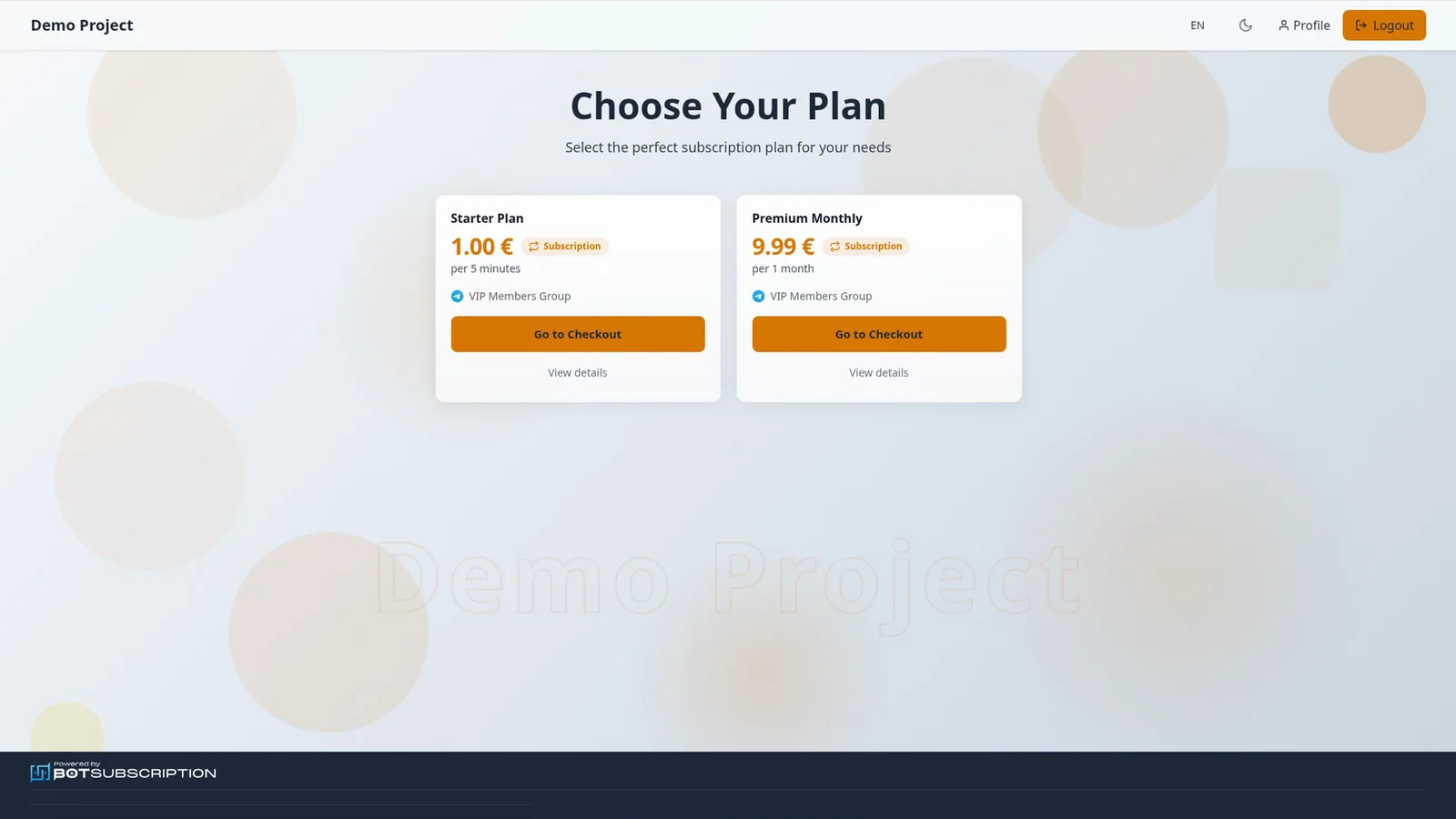
4. Go to checkout for a subscription plan
On the plans page, select Go to Checkout on a plan.
5. Select Pay with Balance for the subscription
Select Pay with Balance, which shows your available amount.
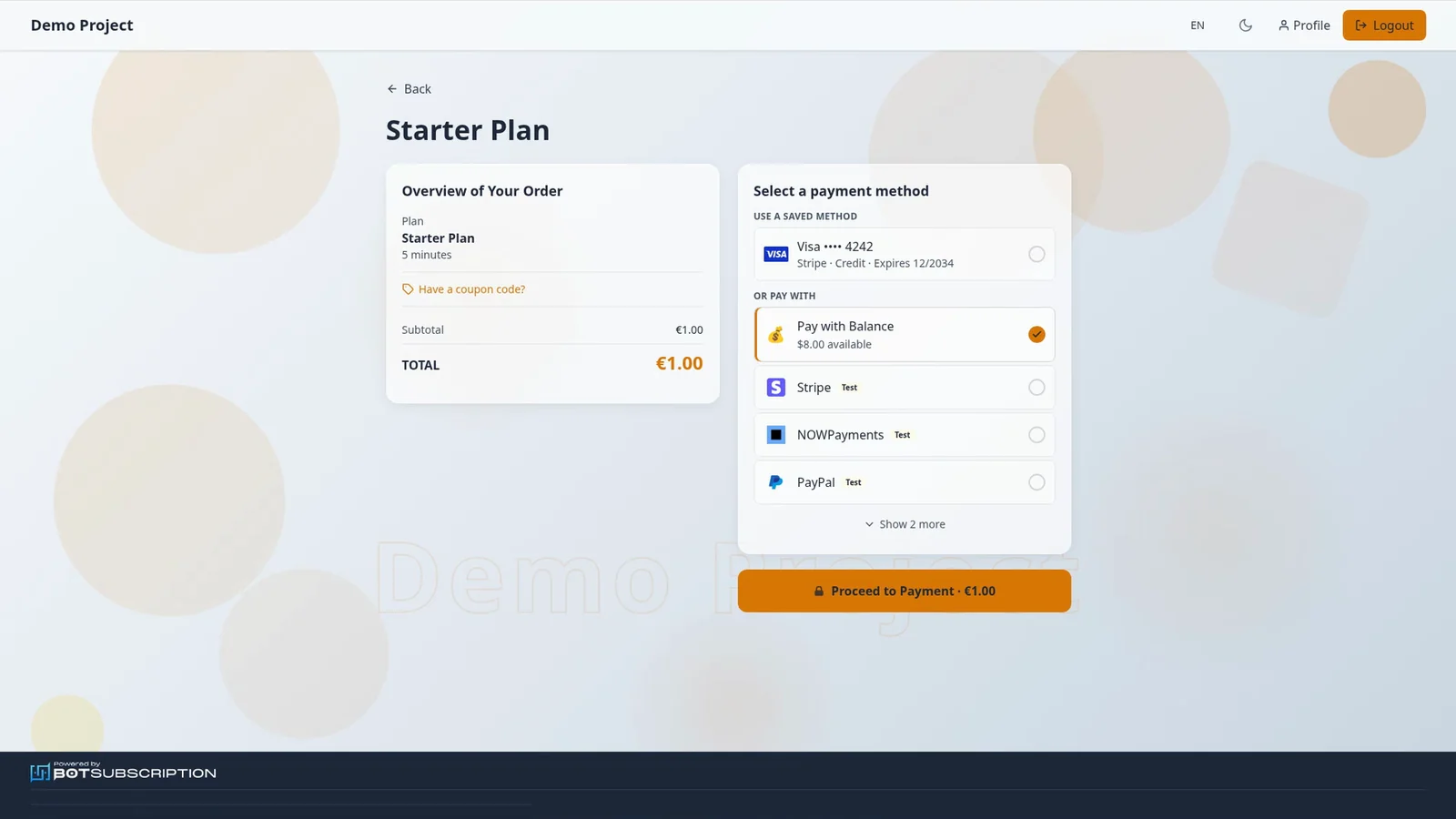
6. Select Proceed to Payment
With Pay with Balance selected, select Proceed to Payment, which stays on the portal, with no redirect.
7. See Payment Successful
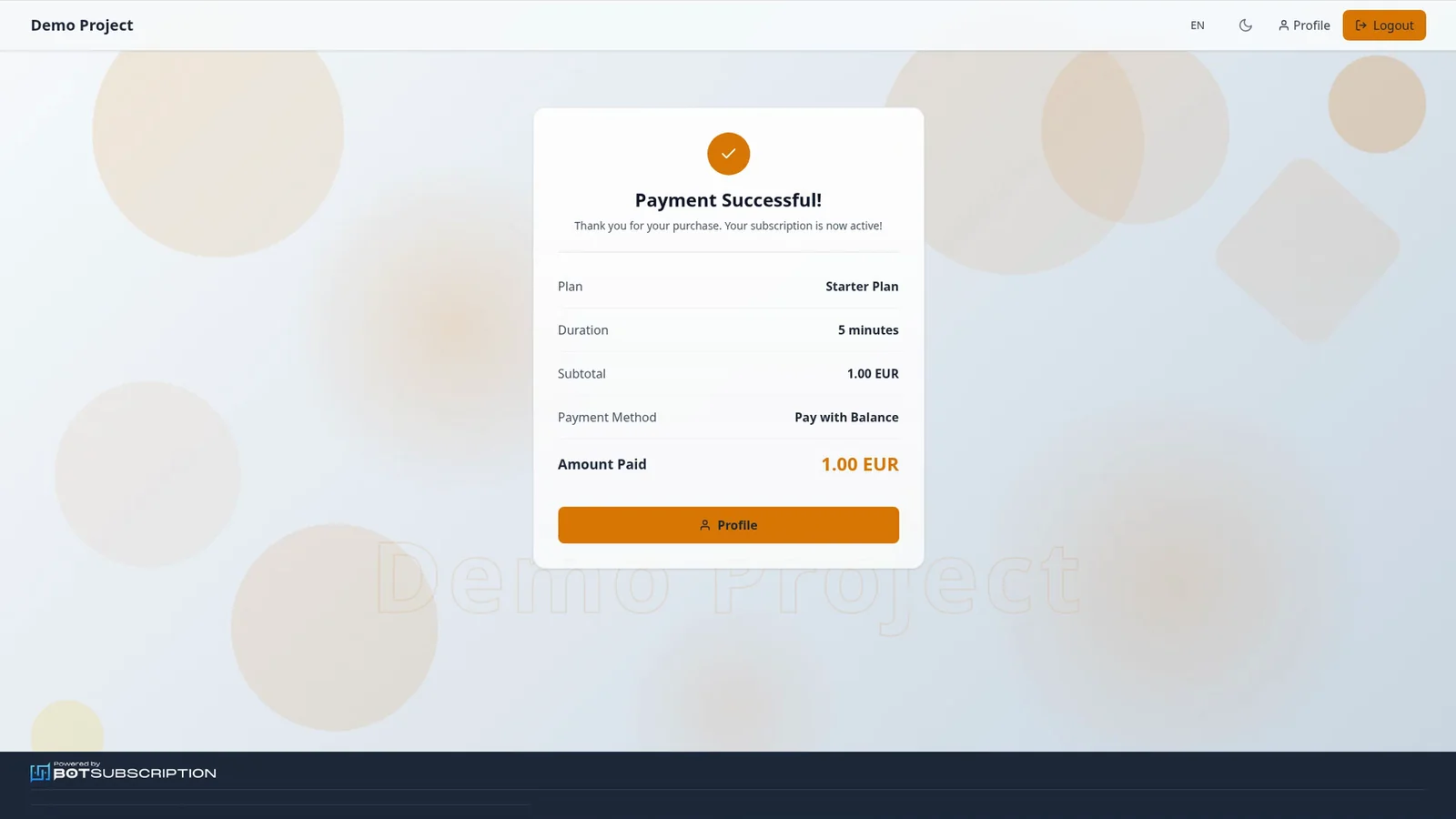
You see Payment Successful! and "Your subscription is now active!". The success screen confirms the payment method, Pay with Balance.
8. See the lower balance on Profile
Profile now shows the lower balance.
How a balance pays for a subscription
The balance is held in USD, while plans can be priced in EUR or in other currencies. A price that is not in USD is converted at the ECB reference rate and rounded up to the cent, with no fee. In this video, a €1.00 plan took $1.10, so an $8.00 balance became $6.90. That $1.10 is only the rate on the day of the video. Transactions show the plan's currency, and renewals use your balance first. To add funds before you pay, top up your balance.