Your Profile on the subscription bot web portal
Payments and balance top-ups on a web portal go to the seller's own merchant account. That account is their Stripe, PayPal, NOWPayments, or another provider. The money does not go to BotSubscription, and the web portal is the seller's storefront. Payments to BotSubscription itself happen only in the BotSubscription dashboard.
Alex Example and the values shown are demo data.
Open your Profile
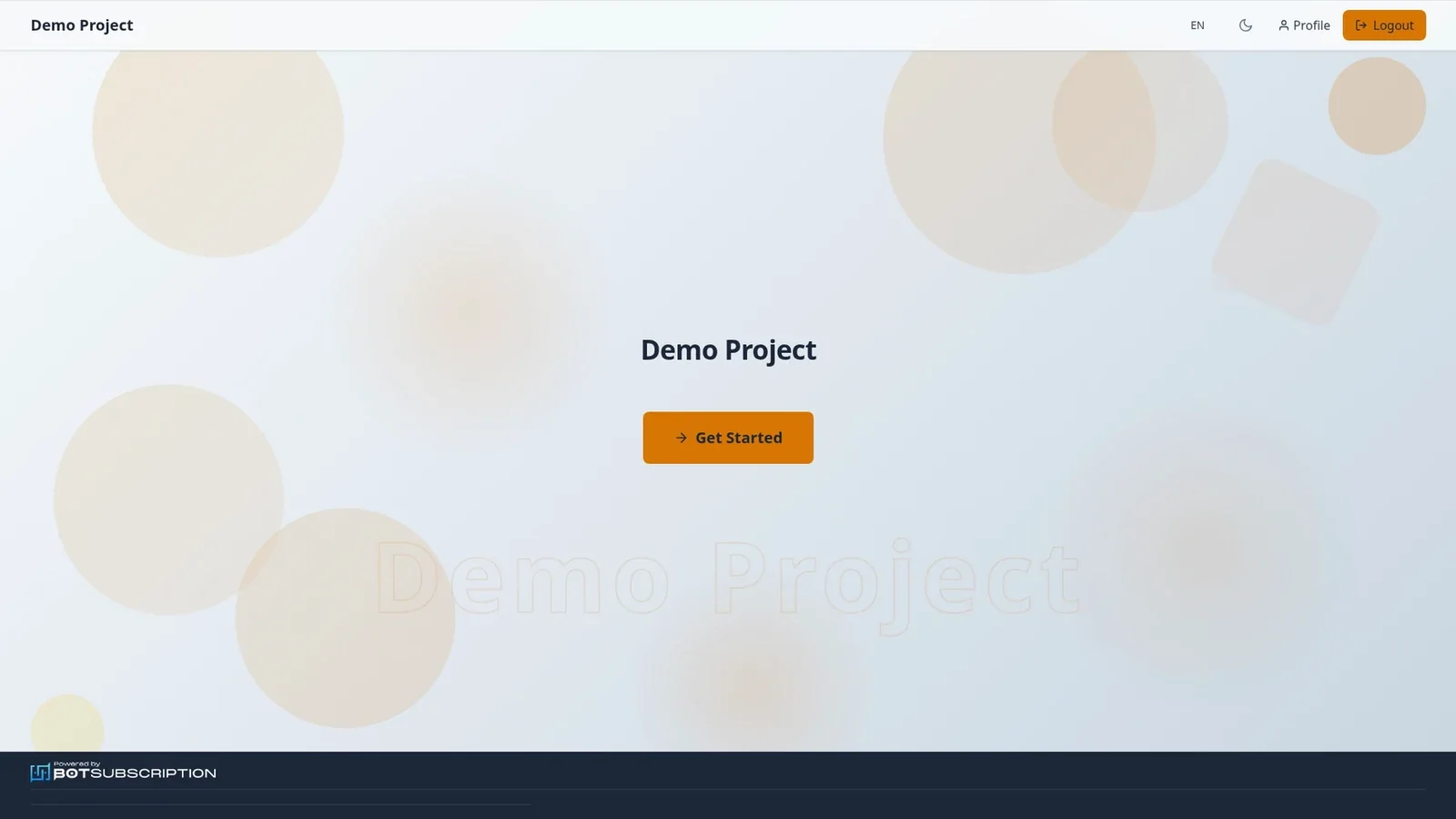
From the portal homepage, select Profile in the header.
Your subscription account
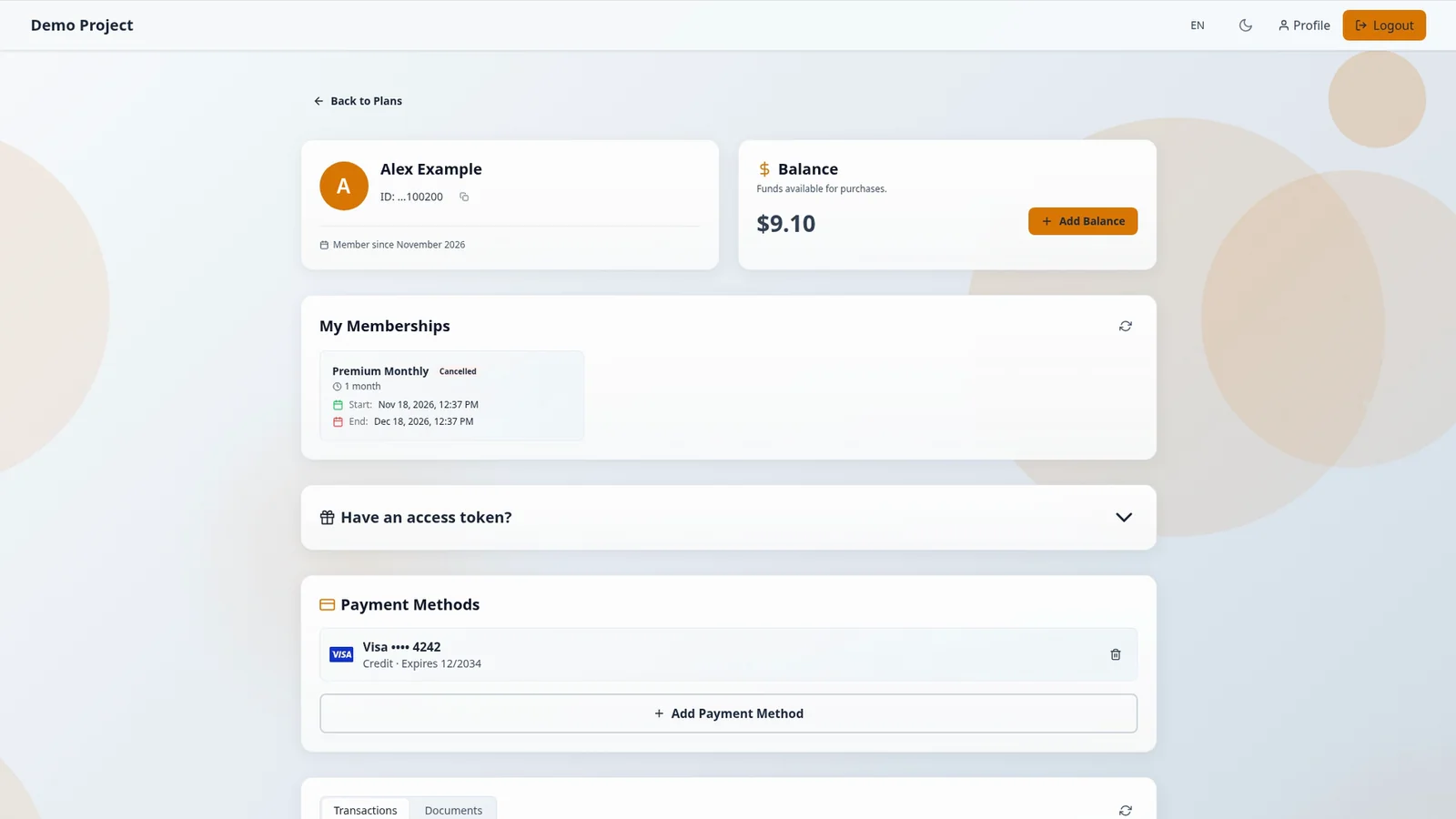
Your Profile is your account on this seller's portal for a Telegram or Discord subscription bot. The header shows the account, and the balance and your memberships are on that same page.
Balance for your subscription
The balance is a wallet for this seller only, and this example shows $9.10. Add Balance is how you top up your balance.
My Memberships
My Memberships lists each plan, with its status and its start and end dates. Statuses include Active and Cancelled, and this example lists Premium Monthly as Cancelled, with its start date and its end date.
Cancelling a subscription only turns off renewal, and access stays until the unchanged end date. There is no refund or proration, a cancelled membership cannot be resumed, and you can buy the same plan again only after the period ends.
Payment Methods
Payment Methods shows cards that were saved automatically when you paid, including when you buy a plan with a card, and Add Payment Method adds another. Cards are saved only when the seller's payment provider supports saved cards.
Transactions on the web portal
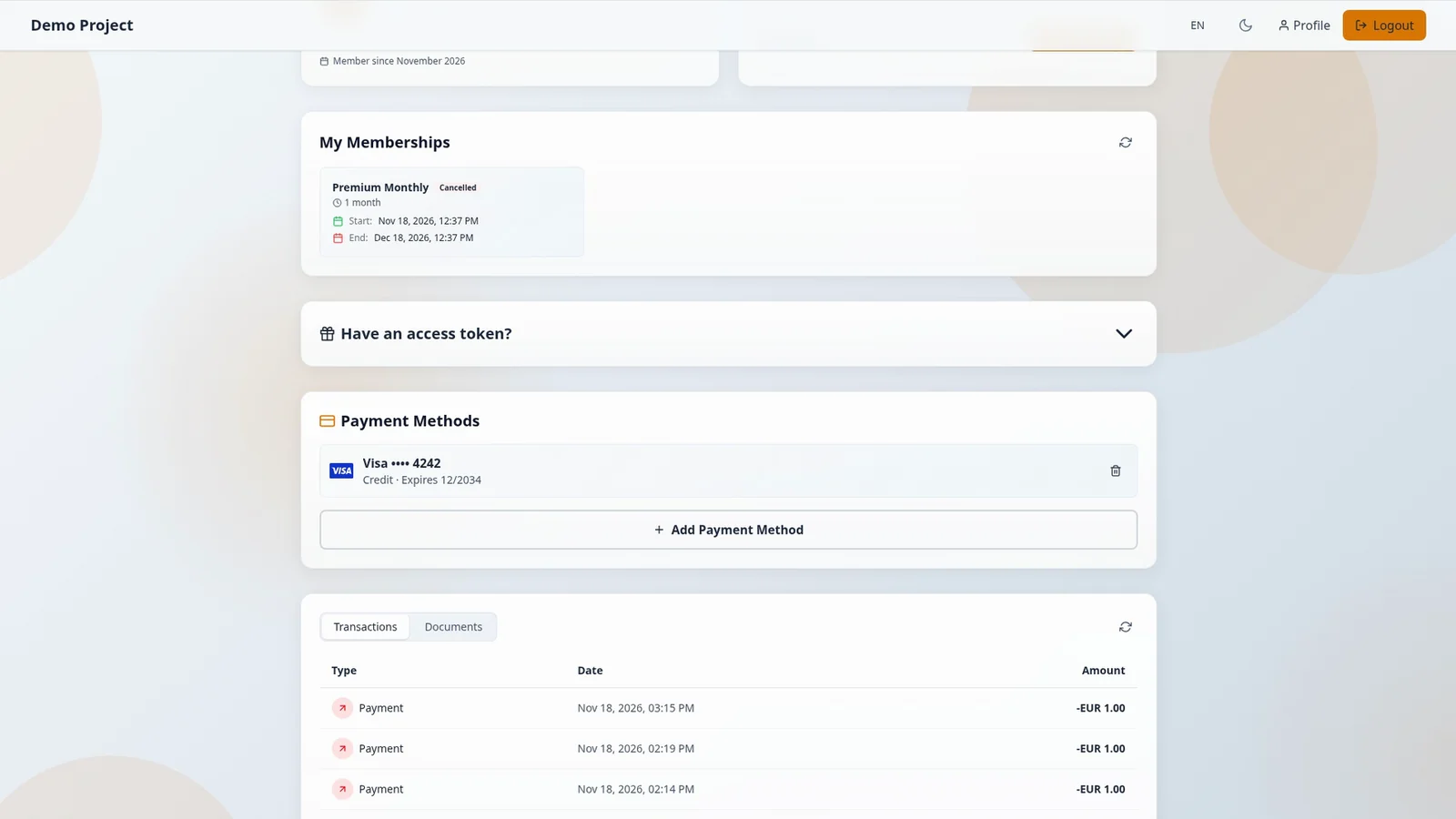
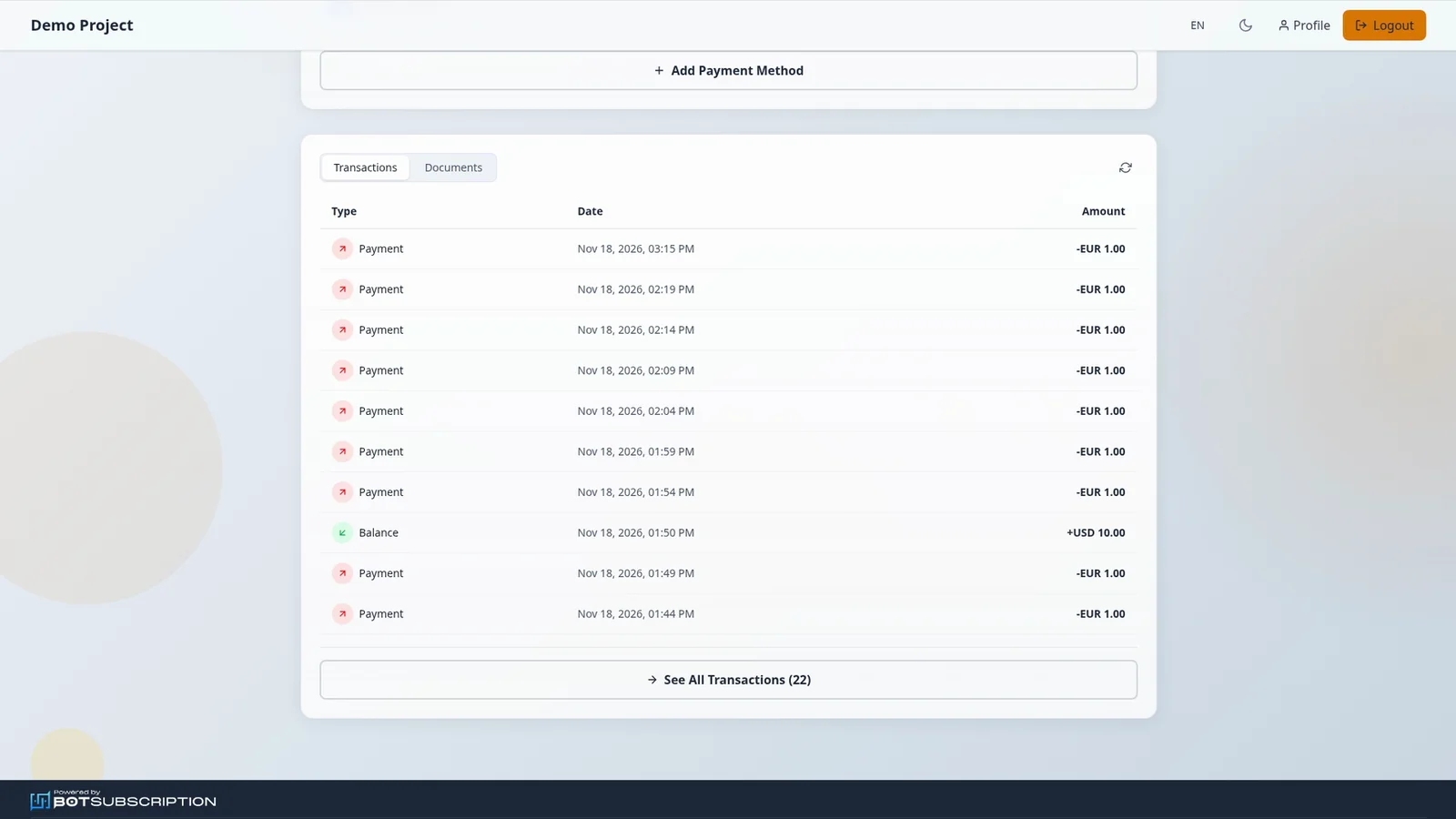
Transactions lists your payments and top-ups. See All Transactions shows the full history, and this example includes plan payments and a +USD 10.00 Balance top-up.
When the balance pays for a plan priced in another currency, the balance is debited in USD at the current market rate (ECB reference). The amount is rounded up to the nearest cent, with no conversion fee, and Transactions show the plan's currency.
Documents
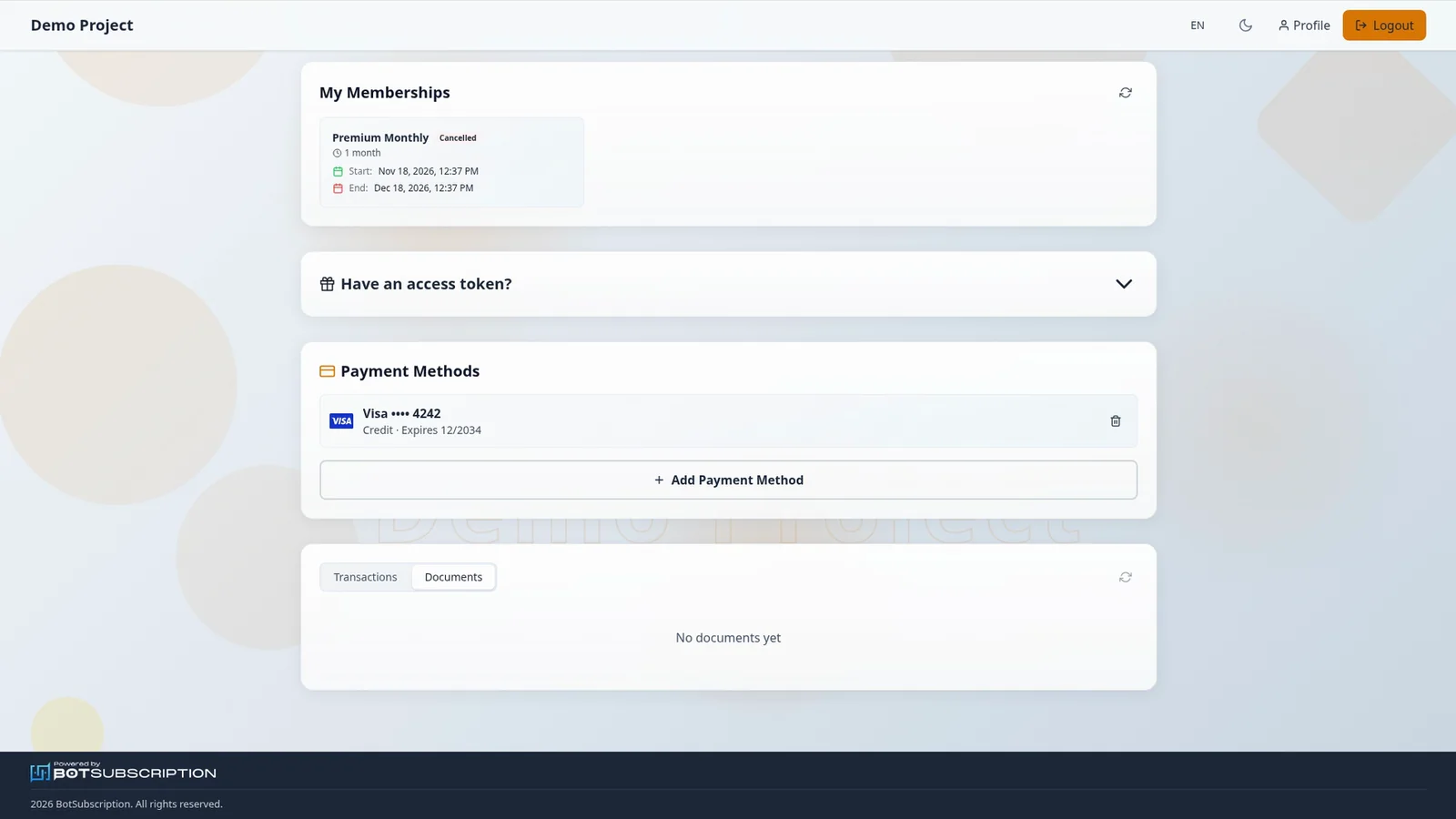
Documents holds documents from the seller, when there are any, and this example shows No documents yet.