

Join your Telegram group on the subscription bot web portal
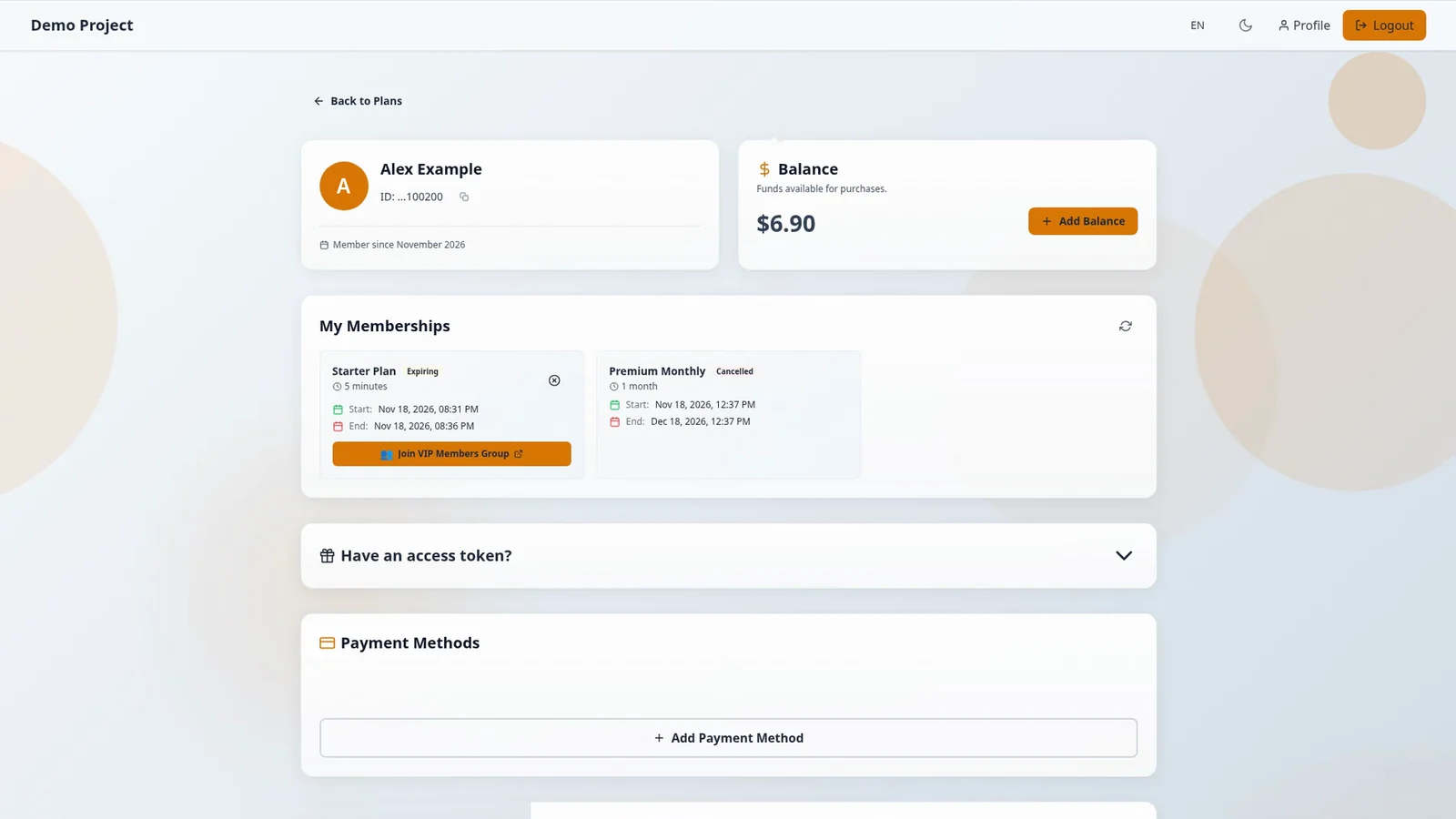
The group name on the button is the group for that membership. VIP Members Group is example data.
After you pay, the Telegram group or channel appears under My Memberships.
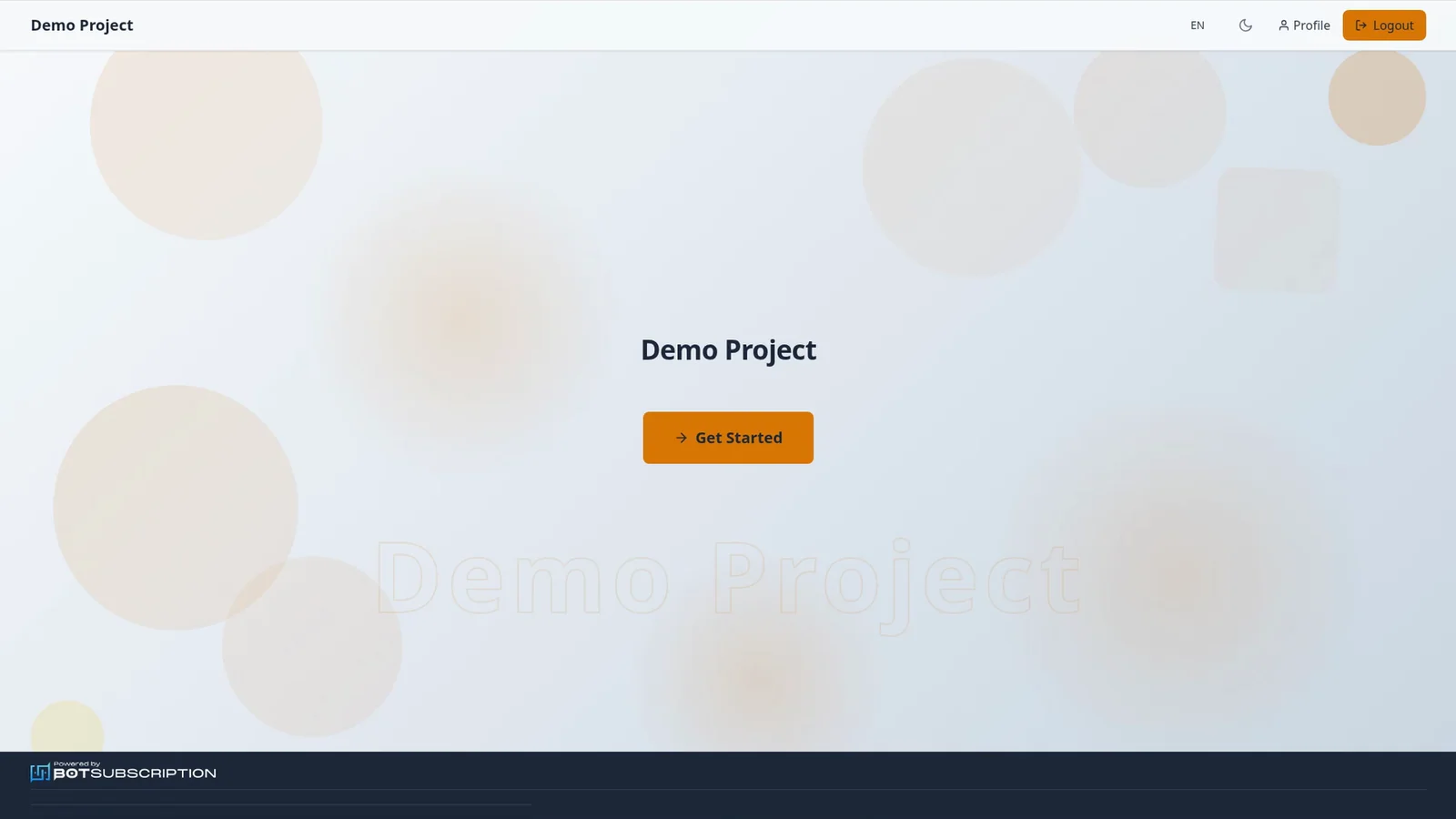
Join your group from the homepage of a Telegram subscription bot web portal.
1. Open Profile on the web portal
From the portal homepage, select Profile in the header.
2. Open My Memberships
Open My Memberships to find the membership for your group.
3. Join your Telegram group
On the membership, select the Join button that includes the group name. Join gives you a personal request-to-join link that lasts up to 24 hours and never past your membership end date. If it expires, press Join again to get a new one.
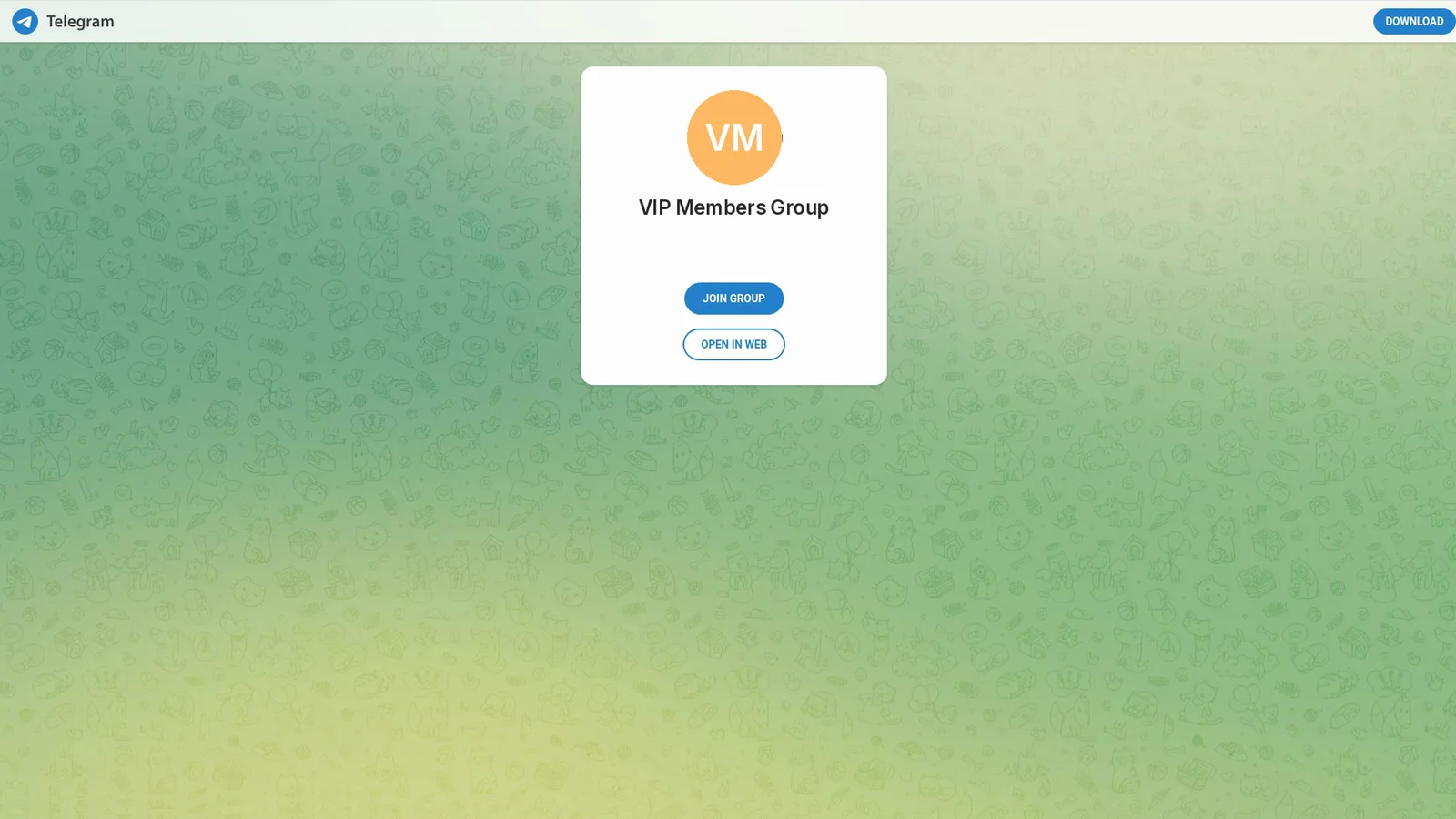
4. Open the Telegram invite page
Pressing Join opens Telegram's invite page in your browser, in a new tab. Open it in Telegram and join the group.
On Discord, your role is assigned automatically if your portal account is linked to Discord. If you're already in the server, you get the role when the membership activates. Otherwise Join gives you a server invite, and the role is applied when you join.